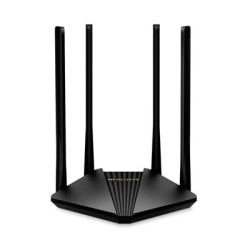
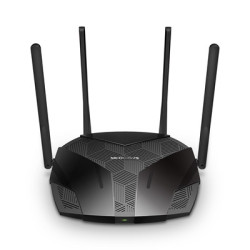
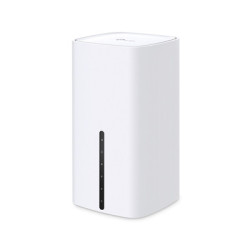
AC1200 Dual-Band Wi-Fi 867 Mbps at 5 GHz and 300 Mbps at 2.4 GHz band.
MU-MIMO Technology Simultaneously transfers data to multiple devices for 2x faster performance.
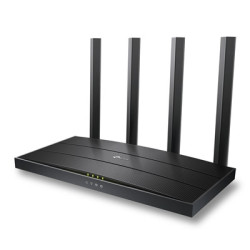
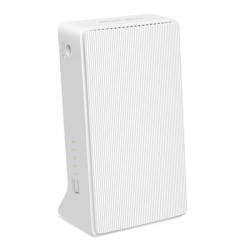
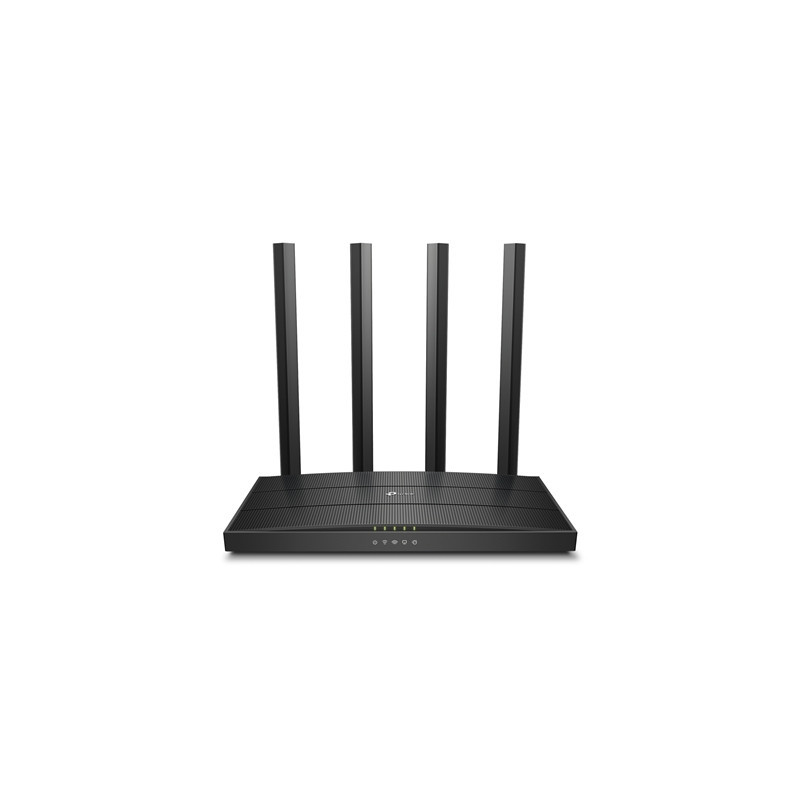
Boosted Coverage Four external antennas equipped with Beamforming technology extend and concentrate the Wi-Fi signals.
Access Point Mode Supports AP Mode to transform your wired connection into the wireless network.
EasyMesh-Compatible Flexibly creates a Mesh network by connecting to an EasyMesh-compatible router for seamless whole-home coverage.
VPN Support Safely reach files in your local NAS wherever you are.
Easy Setup Set up your Wi-Fi in minutes with TP-Link Tether app.
Smooth Entertainment with AC1200 Dual Band Wi-Fi The Archer C6 creates a reliable and blazing-fast network powered by 802.11ac Wi-Fi technology. The 2.4GHz band delivers speeds up to 300Mbps ready for everyday tasks like emailing and web browsing while the 5GHz band delivers speeds up to 867Mbps ideal for HD video streaming and lag-free online gaming.
Boosted Wi-Fi Coverage Throughout Your Home Four external antennas send Wi-Fi signals to every corner of your home. Stay connected and enjoy fast Wi-Fi whether you are lounging on the sofa or on the balcony.Beamforming technology detects devices even if they are far-away or low-powered and concentrates wireless signal strength towards them.
Flexibly Create Whole Home Mesh WiFi If you have any dead zones at home just add another EasyMesh-compatible devices to further form your whole home mesh WiFi. No more searching for a stable connection.
MU-MIMO Brings More Simultaneous Connections MU-MIMO lets the Archer C6 serve multiple devices at once. No more bandwidth congestion or latency. All devices get their data faster and Wi-Fi is used more efficiently!
Ethernet Ports 1x Gigabit WAN Port 4x Gigabit LAN Ports
Buttons WPS/Wi-Fi Button Reset Button
Power 12 V DC 1 A
Protocols IPv4 IPv6
EasyMesh Mesh networking creates smooth fast stable roaming. Archer C6 can flexibly build an EasyMesh network with EasyMesh-Compatible devices which eliminates Wi-Fi dead zones expand your network and fill your entire home with high-speed Wi-Fi. Seamless Wi-Fi connections with one network name one-click setting and flexible scalability.
Parental Controls URL Filtering Time Controls
WAN Types Dynamic IP Static IP PPPoE PPTP L2TP
Quality of Service QoS by Device
Cloud Service OTA Firmware Upgrade TP-Link ID DDNS
NAT Forwarding Port Forwarding Port Triggering DMZ UPnP
IPTV IGMP Proxy IGMP Snooping Bridge Tag VLAN
DHCP Address Reservation DHCP Client List Server
DDNS TP-Link NO-IP DynDNS
Management Features Tether App Webpage
Network Services Enabled by Default Web Server Manage and configure device through web (HTTP/HTTPS) Port: 80/443 Protocol: TCP
DNS Port: 53 Protocol: TCP & UDP
DHCP Server IP address assignment (DHCP) Port: 67 Protocol: UDP
App management Manage and configure device through app Port: 20002 Protocol: UDP
Alexa service Detect Alexa-enabled devices in the LAN Port: 5353 Protocol: UDP
System Requirements Internet Explorer 11+ Firefox 12.0+ Chrome 20.0+ Safari 4.0+ or other JavaScript-enabled browser Cable or DSL Modem (if needed) Subscription with an internet service provider (for internet access)
Certifications FCC CE RoHS
WiFi Transmission Power CE EIRP: <20dBm(2.4GHz) <23dBm(5GHz) FCC: <30dBm(2.4GHz & 5GHz)


 Security policy
 Delivery policy
 Return policy